


 Account
 Language
 Time Zone
 COEF
COEF


How to Use the Football Favourites Feature on Betiball
Learn how to use the football favourites feature on Betiball to save predictions, personalise tips, and build your prediction hub. Explore more on Betiball.
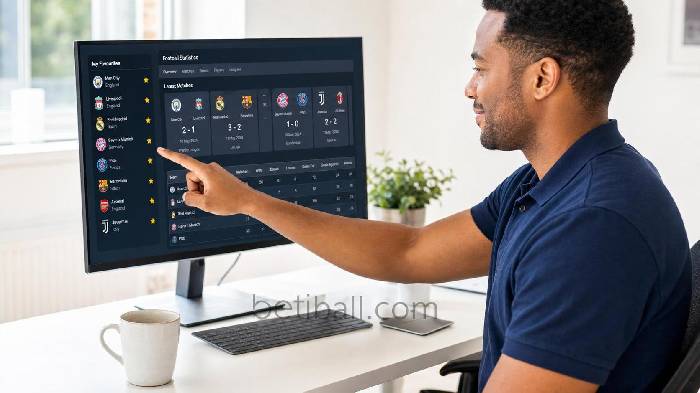


If you have ever wanted a faster, more organised way to track the matches and predictions that matter most to you, understanding how to use the football favourites feature on Betiball is the single most impactful step you can take. Rather than scrolling through hundreds of fixtures every day, the Favourites feature lets you build a curated, personal prediction hub — tailored precisely to the leagues, clubs, and match-ups that drive your analytical process. In this tutorial, we walk you through every step of setting it up, managing it, and making it work harder for you.
What Is the Betiball Favourites Feature and Why Does It Matter?
Step 1: Understand the Core Purpose
At Betiball, we designed the Favourites feature specifically for serious football analysts and bettors who need signal, not noise. Every day our platform publishes prediction data across dozens of leagues worldwide. The Favourites feature acts as your personal filter — surfacing only the fixtures, teams, and prediction sets you have explicitly flagged as relevant. Think of it as the difference between reading an entire newspaper and receiving a curated daily briefing written for your exact strategy.
Step 2: Recognise the Data Advantage
When you save football predictions to your Favourites list, you are not simply bookmarking a page. You are creating a persistent reference point that sits alongside our live prediction accuracy metrics, head-to-head records, and form data. Over a full season, having that consolidated view allows you to identify patterns in your own selection behaviour — which leagues you predict more accurately, which team match-ups consistently surprise you, and where your edge genuinely lies.
How to Add Matches and Teams to Your Favourites
Step 3: Navigate to Any Match Prediction Page
From the Betiball homepage, use the top navigation menu to select your target league — for example, the Premier League, La Liga, or the Bundesliga. Once you land on the league fixtures page, you will see a full list of upcoming match prediction cards. Each card displays our probability model output, expected goals data, and current form indicators for both sides.
Step 4: Click the Star Icon to Save Football Predictions
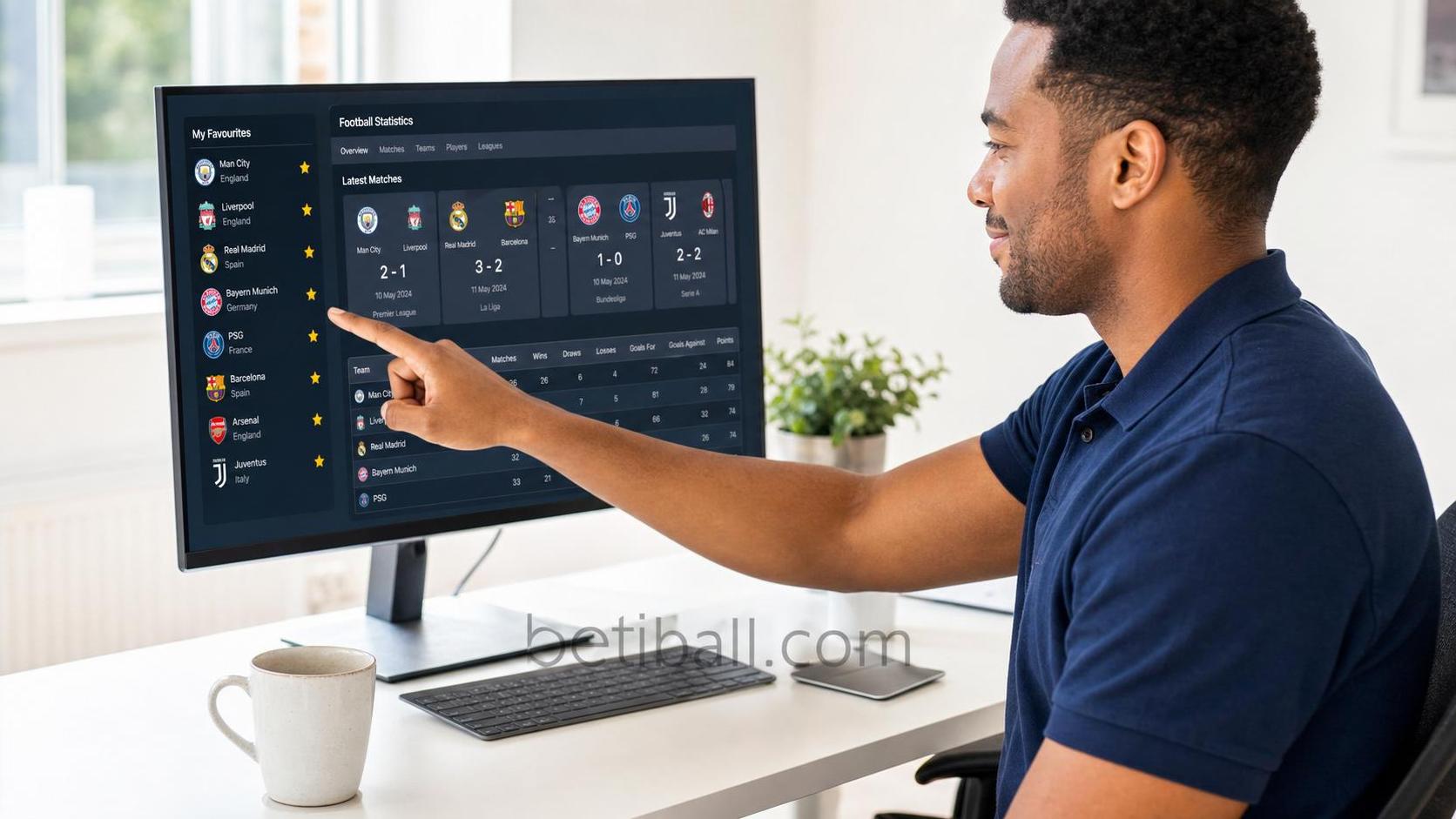
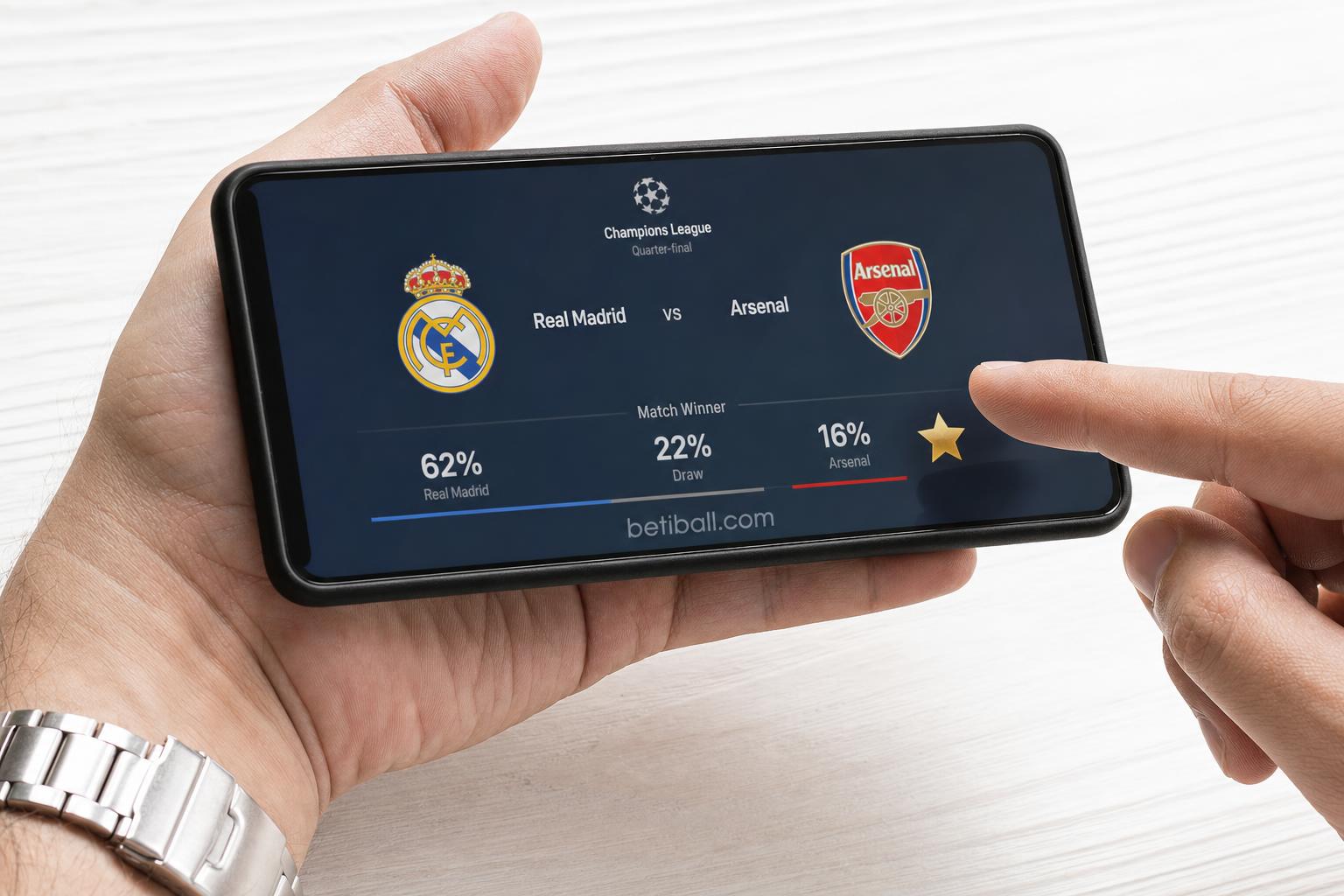
On every match prediction card and individual match detail page, you will find a star icon positioned in the upper-right corner of the card. Clicking this star immediately saves that fixture to your personalised Favourites feed. The icon turns gold to confirm the save — a small but deliberate design choice we made so you always have a clear visual confirmation. There is no limit to the number of fixtures you can save, so we encourage you to be generous during the early weeks as you learn which selections benefit most from a consolidated view.
Step 5: Save Entire Teams or Leagues
Beyond individual fixtures, at Betiball we also allow you to star a specific team or a full league competition. Navigate to any team profile page or league landing page and look for the same gold star icon near the page header. Doing so means every future fixture involving that team or league will automatically appear in your Favourites feed as soon as we publish prediction data for it — eliminating the need to manually search before each round of fixtures.
How to Access and Manage Your Betiball Favourites Feed
Step 6: Open Your Favourites Dashboard
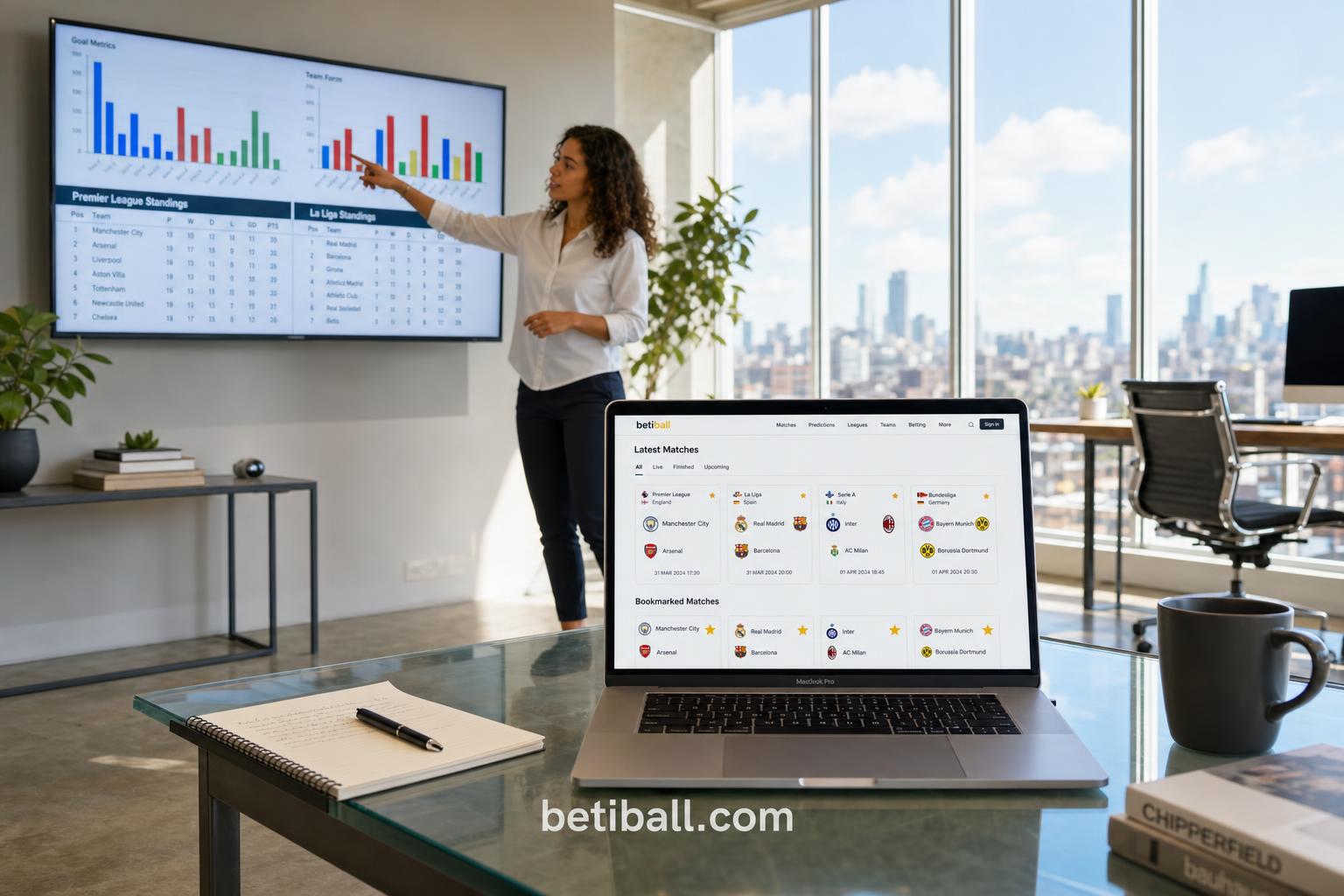
Once you have starred your first fixtures or teams, accessing your Betiball Favourites feed is straightforward. Look for the star icon in the main navigation bar at the top of any page — clicking it takes you directly to your personal Favourites dashboard. Here, all saved matches are displayed in chronological order by kick-off time, ensuring the most immediately actionable predictions are always at the top of your view.
Step 7: Filter and Sort Your Saved Predictions
We understand that during busy fixture weeks — particularly around international breaks or European competition rounds — your Favourites feed may contain a high volume of matches. Use the filter controls at the top of your dashboard to sort by league, date range, or prediction confidence tier. Our confidence tiers (High, Medium, and Speculative) are calculated from our underlying statistical model and reflect the historical accuracy rate of similar predictions on the platform. Filtering to High confidence tier predictions first is a recommended starting point for any structured analytical workflow.
Step 8: Remove Outdated Favourites
Keeping your Favourites feed clean and current is as important as building it in the first place. After a match has concluded, we recommend reviewing and removing completed fixtures to prevent clutter. Simply click the gold star icon again on any saved card to unstar it. For seasonal housekeeping, visit your Favourites dashboard at the start of each new league season and conduct a full audit — removing relegated teams, completed cup competitions, and any leagues that no longer serve your strategy.
How to Personalise Football Tips Using Advanced Favourites Settings
Step 9: Combine Favourites With Notification Alerts
To genuinely personalise football tips at scale, connect your Favourites list to Betiball's notification system. Within your account settings, navigate to the Notifications tab and enable match-day alerts for Favourited fixtures. You can configure alerts to trigger at intervals of your choice — 24 hours before kick-off, 3 hours before, or at the point when our model updates its prediction following confirmed team line-ups. Line-up confirmation is often the moment at which prediction probabilities shift most significantly, so we recommend enabling that specific trigger as a priority.
Step 10: Use Favourites Data to Track Your Prediction Record
One of the most analytically valuable applications of the Betiball Favourites feature is using your saved prediction history as a personal performance dataset. By consistently saving matches before kick-off and reviewing outcomes after the final whistle, you build a personal log of which prediction types align most closely with your own assessments. Over the course of a 38-game league season, that log becomes a statistically meaningful sample size — sufficient to identify genuine strengths in your analytical approach versus areas where our model's output and your intuition have diverged most frequently.

Common Mistakes to Avoid When Using Betiball Favourites
Step 11: Do Not Over-Save at the Expense of Focus
The most frequent mistake we observe among new users is saving too many fixtures indiscriminately in the first week. The Favourites feature is most powerful as a focused tool. We recommend beginning with no more than two or three leagues and a maximum of ten teams. This constraint forces the kind of analytical discipline that tends to correlate with more consistent prediction performance over time.
Step 12: Do Not Ignore Model Updates Before Kick-Off
Our prediction models update dynamically in response to team news, injury confirmations, and weather data in the hours before kick-off. If you save a fixture to Favourites but do not return to review the updated prediction before the match begins, you may be working from outdated probability data. Enabling line-up notifications, as described in Step 9, directly solves this problem and ensures your Favourites feed is always showing you the most current analytical output we have available.
Betiball does not accept bets. All examples are for educational purposes only.
You Are Now Ready to Build Your Personal Prediction Hub
You are now ready to use the full power of Betiball's Favourites feature — from saving individual match predictions and entire team profiles, to filtering by confidence tier, enabling line-up alerts, and conducting end-of-season audits of your personal prediction record. The Favourites system is not a passive bookmarking tool; used with analytical rigour across a full season, it becomes the operational backbone of a structured, data-driven football prediction workflow. Start with two leagues, star your key teams, enable kick-off alerts, and return to your dashboard every match day. The data will do the rest.
Read more:

Your feedback helps us deliver better football betting insights.